
Countdown Timers That Boost Conversions: A Practical Guide
December 6, 2022 | 11,809 views | 7 min. read time
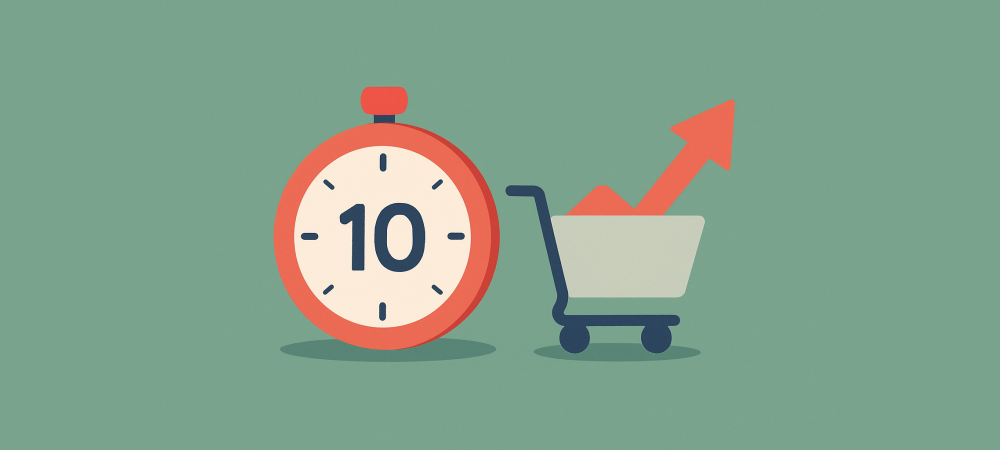
A countdown timer is one of the simplest urgency tools you can add to a page — and one of the easiest to misuse. Done right, a timer gives a real deadline a visible heartbeat and nudges hesitant visitors to decide. Done wrong, it is a fake ticking clock that resets on refresh and trains customers to ignore you. This practical guide covers when countdown timers work, how to use them well, and the mistakes that quietly kill trust.
1. Why countdown timers work
A timer turns an abstract deadline into something you can see slipping away. It makes the cost of waiting concrete and visible, which taps loss aversion — our tendency to work harder to avoid a loss than to secure a gain. On a page where a genuine offer is ending, a countdown converts “I will decide later” into “I will decide now.”
2. The main types of countdown timer
- Fixed-date timers count down to a real moment — a sale ending, a launch closing. The same for everyone.
- Evergreen timers start when an individual visitor arrives, giving each person a personal window. Legitimate for onboarding offers — but only if the deadline is genuinely enforced for that person.
- Shipping-cutoff timers count down to an order deadline for next-day or dated delivery. Useful and entirely factual.
- Session or cart timers hold a reservation, such as a ticket or booking, for a set time.
3. Where countdown timers work best
Timers belong where a real deadline meets a decision: product and checkout pages during a sale, launch and enrolment pages, cart-reservation flows, and shipping-cutoff banners. They are wasted — or worse, annoying — on pages with no genuine deadline. Use them where the clock is real.
4. Countdown timer best practices
- Tie it to a real deadline and honour it when the clock hits zero.
- Say what happens at zero — price rises, offer ends, doors close — so the stakes are clear.
- Keep it visible but not obnoxious: near the offer and CTA, not blinking across the whole screen.
- Pair it with the offer, not just a bare clock, so the timer has meaning.
- Complement it with real activity. A timer says “time is limited”; genuine recent-purchase notifications, such as those from Proofly, add “and others are acting.” Both should reflect the truth.
5. Mistakes that destroy trust
- Resetting timers. A clock that restarts on refresh is the fastest way to teach customers your urgency is fake.
- Deadlines you do not honour. If the price does not actually change at zero, the next timer means nothing.
- Fake evergreen timers that pretend to be a global deadline. If it is personal, do not dress it up as “ends for everyone tonight.”
- Timers everywhere. Constant countdowns become wallpaper and signal desperation.
6. Measuring whether your timer helps
Do not assume — test. Compare conversion on the page with and without the timer, and watch for side effects like higher bounce or lower trust on longer-consideration products. A timer that lifts conversion on a genuine sale is doing its job; one that only adds pressure without results should come off.
Frequently asked questions
Do countdown timers actually increase conversions?
They can, when tied to a real deadline, by prompting hesitant visitors to decide. The lift comes from genuine urgency — a fake timer may bump one sale but erodes trust.
Are evergreen countdown timers dishonest?
Not inherently. A personal deadline for a new visitor is fine if it is genuinely enforced. It becomes dishonest when it pretends to be a global deadline or resets to fake scarcity.
Where should I put a countdown timer?
Where a real deadline meets a decision: sale product pages, checkout, launch or enrolment pages, and shipping-cutoff banners.
Conclusion
A countdown timer is only as trustworthy as the deadline behind it. Tie it to something real, say what happens at zero, keep it tasteful, and honour it every time — then measure whether it truly helps. Used honestly, a timer gives real urgency a visible pulse; used to fake pressure, it teaches customers to tune you out.
Increase conversions for free?
Get started with conversion-boosting social-proof widgets totally free! No creditcard required.
Get started now!Always be up-to-date with Proofly.
The amount of people using your website on mobile devices rapidly increases. Make sure your websites are fully responsive!
58.447%
Mobile devices
This might be useful for you too:
Checkout Page Optimization: 12 Ways to Stop Losing Sales
The checkout page is where sales are won or lost. A shopper who reaches it has already decided they want to buy — so every visitor who abandons here is a sale you were moments away from making. Small problems...
2024-01-28
Read more

12 Psychological Triggers That Drive Online Sales
Every purchase is a decision, and every decision is shaped by psychology. The most effective marketers do not just describe their products — they understand the mental triggers that move people from browsing...
2025-04-12
Read more
Ready to use social-proof too?
You can use Proofly within 5 minutes on your own website absolutely free!
Set-up in 5 minutes Over 25,000 satisfied customers No monthly subscription
4.7/5 customer satisfaction
Get started now!
a few thousand others...